Microsoft Edge Sidebar Extension Allowlisting
Browser Extension Allowlist#
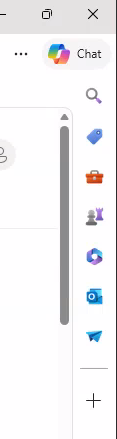
When attempting to implement browser extension lockdown1 (ie. only allowing authorized browser extensions to be installed), I came across some hidden extensions that needed to be allowed. Shortly after implementing a browser extension allowlist in Edge through Group Policy, users started calling and asking why the Teams/Outlook/Copilot sidebar 2 in Edge suddenly disappeared.
After some looking, I came across the following page edge://sidebar-internals where you can identify the built-in browser extension IDs for the Edge sidebar “extensions” for Outlook, Teams, Copilot, etc.
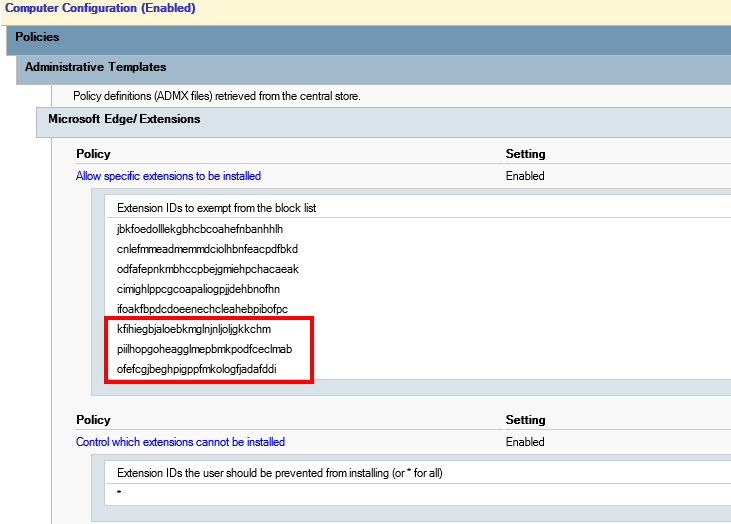
Adding the following extension IDs to the allowlist made the Edge sidebar reappear.
kfihiegbjaloebkmglnjnljoljgkkchm - Outlook
piilhopgoheagglmepbmkpodfceclmab - Teams
ofefcgjbeghpigppfmkologfjadafddi - Copilot