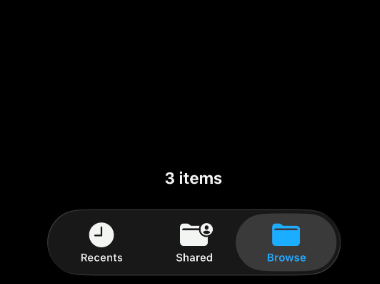
iOS Device Showing Read-Only on Read-Write Samba Share
The Issue#
Despite read only = no being set on a Samba share in /etc/samba/smb.conf, iOS shows a “Read-Only” flag with a crossed out pencil icon on any folder in the share when I access it from my Apple iPhone.
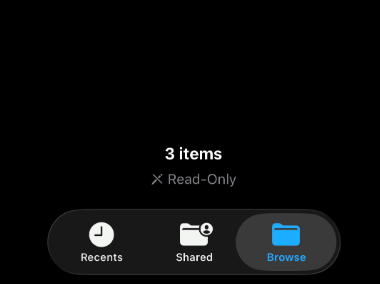
I previously used TrueNAS Samba shares and this was never an issue so I went to the Googles and found out why.
The Solution#
Thanks to a helpful discussion on Apple Community1 as well as a blog article by fernvenue2, I was able to identify the problem.
Simply edit the /etc/samba/smb.conf file and add the line below to the [global] section (or under an individual share if you prefer).
vfs objects = streams_xattr
The SambaWiki3 explains the behavior with:
- “The streams_xattr Virtual File System (VFS) module enables applications to store information in Alternative Data Streams (ADS). Certain applications, such as the Microsoft Edge browser, require ADS to operate correctly. For example, if you use Edge to download a file to a Samba share that has no ADS support enabled, the download will fail.”
After editing, restart or reload the Samba config.
smbcontrol all reload-config
Disconnect and reconnect from the Samba share on iOS and the read-only flag should disappear.